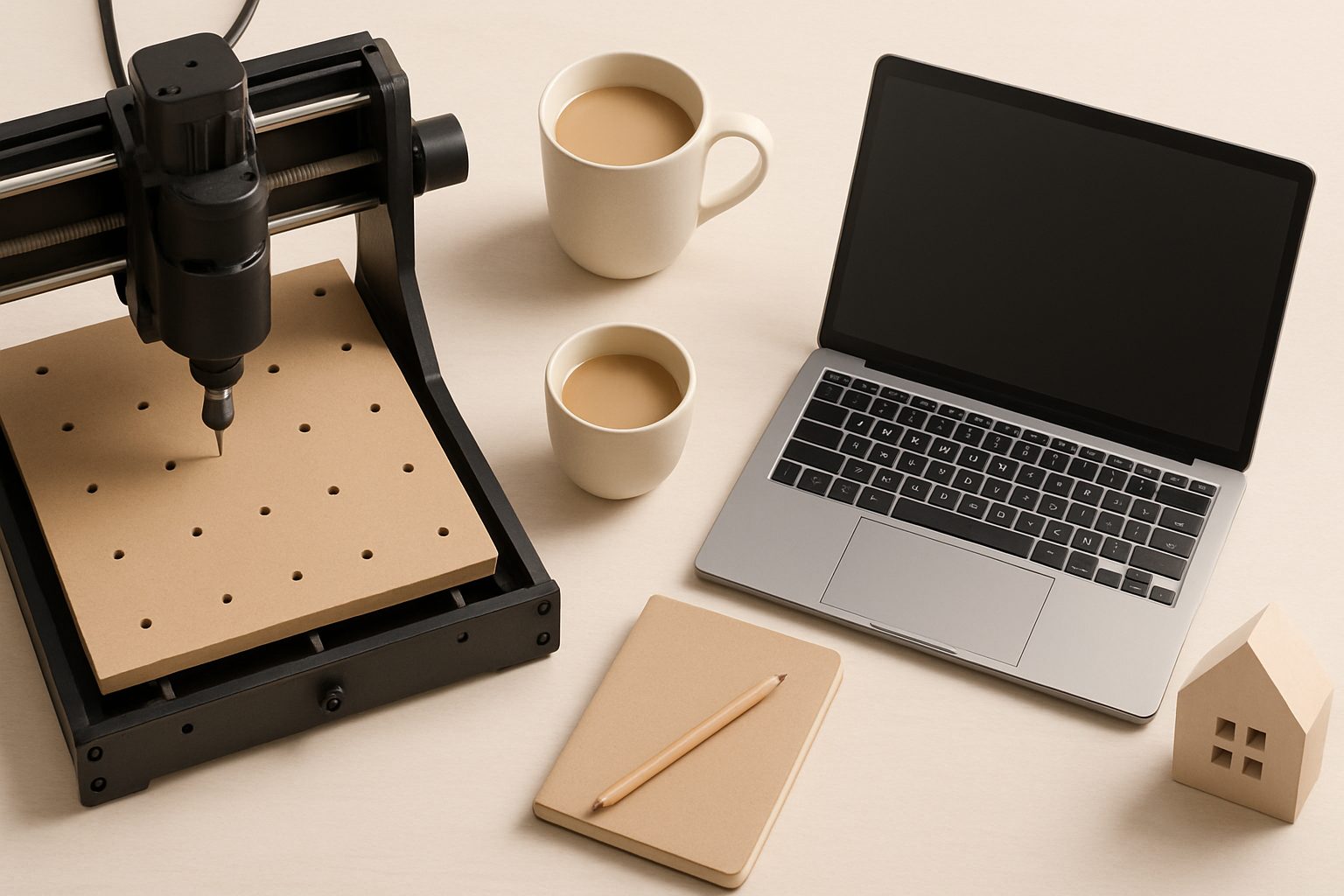
Hobby CNC Router vs Laser Cutter UK: Which Should You Buy?
If you're thinking about adding a precision tool to your workshop, you've likely looked at both CNC routers and laser cutters. They're not competitors—they solve different problems. A CNC router is a subtractive machine that removes material with a spinning bit. A laser cutter uses a focused beam to cut and engrave. Which one you need depends entirely on what you want to make.
The Fundamental Difference
CNC routers carve, sculpt, and cut through solid materials. Lasers vaporise a thin line along a path. This distinction matters more than you'd think. A CNC can produce 3D details—a router bit can move in and out of the material during a cut, creating relief patterns, varying depths, and sculptural surfaces. A laser cuts only along its beam path, producing flat cuts and engravings at a consistent depth.
CNC routers work on wood, plastic, aluminium, and soft metals. They're loud, dusty, and produce chips and shavings. Lasers work best on wood, acrylic, leather, fabric, and rubber. They're quiet, produce minimal mess, and engrave with precision. Neither will do what the other does well.
Material Capabilities
Wood hobbyists often think laser first, but here's where the decision branches. If you're making boxes, jewellery holders, or cutting intricate 2D designs from plywood, a laser is brilliant. Cut time is fast, and you get clean edges without sanding.
If you want to carve wooden bowls, make dovetail joints, produce raised panels, or create detailed wooden signs with sculptural depth, you need a router. A laser can't give you that 3D complexity.
For signage, acrylic work, or leather crafts, laser is the natural fit. CNC routers struggle with acrylic—they melt it. A router isn't the tool for cutting leather or engraving anodised aluminium.
Cost and Space
A decent hobby CNC router in the UK costs between £1,500 and £4,000. Entry-level options like the Sainsmart Pro or similar Chinese models sit around £2,000–£2,500. You'll need solid mounting, a dust extraction system, and ideally a separate workspace. They occupy roughly 1–2 square metres and vibrate during use.
Laser cutters are comparable: a 40–50-watt CO₂ laser runs £1,500–£3,500. They're smaller in footprint but need good ventilation for smoke extraction. The beam path is more compact than a CNC router's cutting envelope, so they fit smaller workshops.
Running costs differ. CNC routers consume electricity during cutting but are otherwise cheap. Laser tubes degrade over time (typically 8,000–10,000 hours) and replacement tubes cost £300–£800. Maintenance is gentler on a laser.
Learning Curve and Software
Both require learning CAD-to-machine workflows. CNC routers need tool path generation (CAM)—you specify bit type, feed rates, speeds, depth of cut. Free software exists (Fusion 360, Aspire), but there's genuine complexity. A badly calculated feed rate can snap your expensive cutting bit or ruin a workpiece.
Laser cutters are more forgiving. Software like LightBurn or CorelDRAW is intuitive for 2D design. You import artwork and cut. The learning curve is shallower, though optimising for clean edges and minimal burning takes practice.
For pure ease of entry, laser has the edge. For creative control over what you're making, CNC routers offer more depth—literally.
Speed and Precision
Laser cutters are fast. They'll cut intricate patterns through 3mm plywood in seconds. Precision is excellent for 2D cutting, typically ±0.5mm or better.
CNC routers are slower. A decorative wooden sign might take 20 minutes at sensible feeds and speeds. Precision depends on your machine's rigidity and calibration; hobby models usually hit ±1mm comfortably, better with care.
If you're producing dozens of identical items (sign business, craft stall production), laser speed becomes valuable. If you're making individual, detailed pieces, router speed is less relevant.
Dust and Noise
CNC routers are loud—hearing protection mandatory. A 3mm plywood cut with a router sounds like a dentist's drill. Wood chips fly everywhere, requiring dust extraction to avoid suffocating your lungs. Noise travels; workshop neighbours will notice.
Lasers are quiet, a faint hum during operation. They produce smoke, not dust, and ventilation is straightforward—a small inline fan and ducting outdoors usually suffices.
If noise or dust is a workshop constraint, laser is the clear winner.
The Decision
Buy a CNC router if: You're a woodworker wanting to automate joinery or routing, you like 3D detail and depth variation, you'll make chairs, boxes, cutting boards, or decorative wooden signs.
Buy a laser cutter if: You want to cut intricate 2D patterns quickly, you're interested in engraving, you work with acrylic or leather, you don't have space for a large machine, or you want quiet operation for a shared workspace.
Consider both eventually if: You're serious about a production business. Signmakers, for instance, often use both—a laser for acrylic and vinyl cutting, a router for 3D wooden signs.
The Bottom Line
These tools do different jobs. A laser cutter won't carve wood the way you want. A CNC router will melt acrylic. Neither is objectively better; they answer different creative needs. Spend time on YouTube watching both in action on projects you actually want to make. That's your real answer.
More options
- Genmitsu CNC Routers (SainSmart range) (Amazon UK)
- Shapeoko CNC Router & Accessories (Amazon UK)
- CNC Router End Mill & Bit Sets (Amazon UK)
- CNC Spindle Kits & VFD Controllers (Amazon UK)
- BobsCNC Evolution 4 & Accessories (Amazon UK)